How to Automate Your Finances in NZ (Set and Forget)
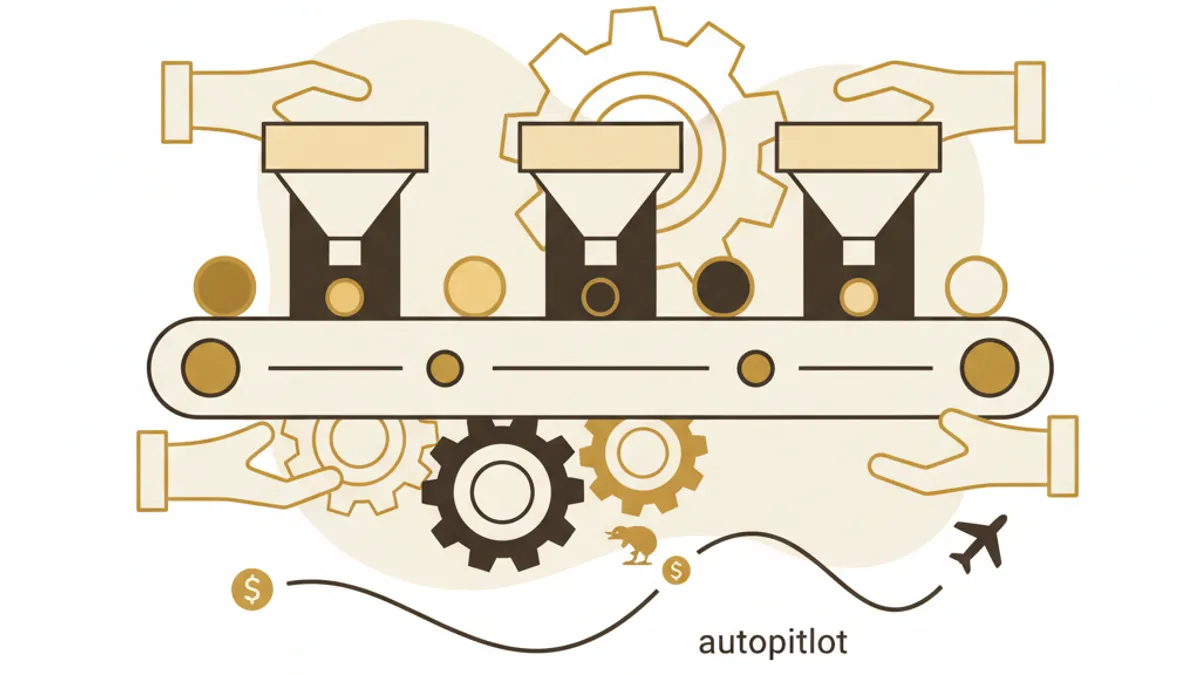
Set it up once, never think about it again. This NZ automation guide puts your savings, bills, and tracking on autopilot in under 30 minutes.
The short version
- The number one reason people fail at managing money isn't lack of knowledge, it's friction.
- The biggest barrier to tracking spending is the manual work.
The best financial system is one you don't have to think about. If you're relying on willpower to save money, pay bills on time, or track spending, you're making it harder than it needs to be.
Here's how to automate everything so your money works on autopilot.
Why automation matters
The number one reason people fail at managing money isn't lack of knowledge, it's friction. Every manual step is a chance to forget, procrastinate, or give in to temptation.
Automation removes the human from the equation. Once set up, your money flows where it needs to go without you lifting a finger.
Step 1: Automate your savings
The pay-yourself-first rule
Set up an automatic transfer on payday, before you can spend it:
- Emergency fund: $50-100/week to a separate savings account
- Goal savings: $25-50/week per goal (holiday, car, house deposit)
- KiwiSaver: Already automated via your employer (check you're on the right rate, 3%, 4%, 6%, 8%, or 10%)
Most NZ banks let you set up automatic transfers for free. Do it right after your pay lands, Wednesday or Thursday for most Kiwis.
Steady tip: Create savings goals in Steady and it'll track your progress automatically. You'll get a notification when you hit 25%, 50%, 75%, and 100% of each goal.
Step 2: Automate your bills
Direct debits for everything
Set up direct debits or automatic payments for:
- Power (Mercury, Genesis, Contact, Meridian)
- Internet (Spark, One NZ, 2degrees)
- Phone plan
- Insurance (car, contents, health)
- Rent or mortgage
- Subscriptions (Netflix, Spotify, etc.)
Why direct debit beats manual
- Never miss a payment (no late fees)
- Builds good credit history
- One less thing to remember each month
Steady tip: Steady auto-detects your recurring bills from bank transactions and shows them on the Bills page with due dates. You'll get reminders 3 days before, 1 day before, and on the due date.
Step 3: Automate your tracking
Stop manual data entry
The biggest barrier to tracking spending is the manual work. Nobody opens a spreadsheet after every purchase.
With open banking via Akahu, your transactions flow into Steady automatically:
- Every purchase is categorised (AI + NZ merchant matching)
- Spending totals update automatically
- Budget progress tracked automatically
- No manual entry ever
Weekly check-in (5 minutes)
Even with full automation, a weekly glance keeps you aware:
- Open Steady on Monday morning
- Check your safe-to-spend number
- Glance at any budget warnings
- Done, 5 minutes max
Steady tip: Steady's Weekly Pulse feature walks you through a quick 5-minute review every week. It highlights what changed, what's coming up, and whether you're on track.
Step 4: Automate your investments
KiwiSaver
Already automated, but check:
- Are you contributing enough to get the full employer match?
- Are you getting the government contribution ($260.72/year for contributing $1,042)?
- Is your fund type right for your age? (Growth for under 40s, balanced for 40-55, conservative for 55+)
Regular investing
Platforms like Sharesies and InvestNow let you set up automatic weekly or monthly investments. Even $25/week into a diversified fund compounds significantly over time.
Step 5: Automate your alerts
Let your phone do the worrying
Set up alerts so you only pay attention when something needs action:
- Budget alerts: Get notified when a category hits 80% (before you overspend)
- Bill reminders: Never miss a payment
- Goal milestones: Celebrate progress automatically
- Spending spikes: Know immediately if spending in a category jumps
Steady tip: You can ask Steady's AI to set alerts for you: "Alert me when food spending hits 80% of my budget." The AI will set it up instantly.
The automation stack
Here's the complete setup:
- Savings: Auto-transfer on payday → separate accounts per goal
- Bills: Direct debit for everything recurring
- Tracking: Open banking → Steady (automatic categorisation)
- Investments: Auto-invest via Sharesies/InvestNow + KiwiSaver
- Alerts: Budget warnings + bill reminders + goal milestones via Steady
- Review: Weekly Pulse every Monday (5 min)
The bottom line
Spending 2 hours setting up automation saves you hundreds of hours of manual money management over the years. More importantly, it removes the mental load, your finances just work, and you only engage when something actually needs your attention. Learn about the money habits that stick.
The best money decision is the one you make once and never have to make again. Get started with Steady.

Written by Sam Wilson
Founder, Steady
Sam is a New Zealand founder building Steady, a personal finance app designed for Kiwis, integrated with every major NZ bank via Akahu. He writes about money, bank integrations, and what actually works for everyday New Zealanders.More about Sam
Steady connects your bank and tracks it all automatically, no spreadsheets. Join the waitlist for early access.
Suggested reads
More from the Steady blog
How to Start Budgeting in NZ: Beginner's Guide (2026)
Forget spreadsheets. This 10-minute guide gets you a working budget that actually fits NZ pay cycles, fortnightly or weekly. Free template inside.
How to Switch Power Companies in NZ (Save $200-400/Year)
NZ households overpay $300-800/year on power. Switching takes 10 minutes and costs nothing. Here's exactly how (with the free govt tool).

How to Set Financial Goals That You'll Actually Achieve
92% of financial goals fail. The three things the ones that work have in common, and how to set yours up the same way.
Ready to sort your money?
Steady connects to your NZ bank accounts and helps you track spending, set goals, and get AI-powered insights.
Try Steady free