NZ Tax Refund: How to Check If IRD Owes You Money (2026)
IRD auto-assessed $1.9 billion in refunds last year. Here's how to check if you're owed money, and 5 deductions most Kiwis miss.
The short version
- New Zealand’s tax system is designed to be relatively simple for most employees.
- While the PAYE system aims for accuracy, there are several common reasons why the IRD might have collected too much tax from you during the 2026 tax year, resulting in a refund.
- The easiest and most reliable way to check if the IRD owes you money for the 2026 tax year (or any previous year) is through your myIR account.
_Updated June 2026 for the 2026 tax year and current myIR process._
There’s a little thrill that comes with discovering you’re due a tax refund. It’s like finding forgotten money in an old jacket, but often, it’s a much more substantial sum. For many Kiwis, a tax refund can provide a welcome boost to their finances, whether for paying down debt, building savings, or tackling a long-awaited goal.
But how do you even know if the Inland Revenue Department (IRD) owes you money? And what's the deal with the 2026 tax year? Here at Steady, we believe managing your money should be straightforward, not a headache. That’s why we’ve put together this comprehensive guide to help you understand the NZ tax refund process, from how it works to how to check your status and what to do with any money you receive.
Let's dive in and demystify your tax refund for the 2026 tax year!
The Kiwi Tax System: A Quick Refresher
New Zealand’s tax system is designed to be relatively simple for most employees. If you work for an employer, your income tax is generally handled through PAYE (Pay As You Earn). This means your employer automatically deducts the correct amount of tax from your wages or salary each payday and sends it directly to the IRD.
The goal of PAYE is for you to pay the right amount of tax throughout the year, so that by the end of the tax year (which runs from 1 April to 31 March – so the 2026 tax year ended on 31 March 2026), your tax is squared away. This ideal scenario means you neither owe the IRD money nor are you owed a refund.
However, life isn't always that neat. Various factors can lead to either an overpayment or an underpayment of tax, which is where tax refunds (or tax bills) come in. Your tax code, declared income, and specific financial activities all play a part in determining your final tax position.
Why IRD Might Owe *You* Money
While the PAYE system aims for accuracy, there are several common reasons why the IRD might have collected too much tax from you during the 2026 tax year, resulting in a refund.
1. Incorrect Tax Code
Your tax code is crucial for ensuring the right amount of tax is deducted from your pay. If you’ve been on an incorrect tax code, you might have paid too much tax.
- Multiple Jobs/Secondary Income: This is one of the most common culprits. If you have more than one job, or if you start a secondary income stream (like a side hustle or contract work) in addition to your main job, you should be on an 'SB' (Secondary Basic) or 'S' (Secondary) tax code for your secondary income. If you accidentally used your primary 'M' (Main) tax code for both, too much tax would have been deducted from your secondary income.
- Changes in Income: If your income significantly decreased during the year (e.g., you stopped working part-way through, or took unpaid leave), but your tax code wasn't adjusted, you might have overpaid. Conversely, if you earned less than the tax threshold for certain periods, some tax deducted might be refundable.
- Not Claiming Tax Credits: Some tax codes factor in specific tax credits (e.g., if you're receiving certain benefits). If your situation changed and your tax code wasn't updated, it could lead to an overpayment.
2. Donations to Registered Charities
This is a big one that many Kiwis overlook! If you've donated money to an approved charity, school, or other donee organisation, you can claim a tax credit of 33.33 cents for every dollar you donated. For example, if you donated $300 throughout the year, you could get a $100 refund. You can claim for donations of $5 or more, up to the amount of your taxable income. The key is to keep your donation receipts!
3. Eligible Working Expenses
For most PAYE employees, the opportunities to claim work-related expenses are limited. Unlike self-employed individuals who file an IR3 — walked through step by step here — and claim a wide range of business expenses, employees generally cannot claim things like travel to work, uniforms, or tools unless:
- They are directly required by their job.
- They aren't reimbursed by their employer.
- They fall under specific categories, such as professional body membership fees or certain tools/equipment not provided by the employer.
- Important: If you're unsure whether an expense is claimable, it's always best to check with the IRD or a tax advisor. For the vast majority of PAYE taxpayers, donations are the most common eligible refund item outside of tax code errors.
4. Overpayment of Student Loan or Working for Families Tax Credits
While often processed separately, your overall tax position can be affected by student loan repayments if too much was deducted, or if there were adjustments to your Working for Families Tax Credits entitlement after the annual reconciliation.
Unlocking Your Tax Details: How to Check via myIR
The easiest and most reliable way to check if the IRD owes you money for the 2026 tax year (or any previous year) is through your myIR account. MyIR is your personal online portal for all things tax-related in New Zealand.
Here’s how to do it:
- Log in to myIR: Go to the IRD website (ird.govt.nz) and click on the "Login to myIR" button. If you don't have an account, you'll need to register. This is a straightforward process requiring your IRD number and some personal details for verification.
- Navigate to Your Income Tax Section: Once logged in, you'll see a dashboard. Look for the "Income tax" or "My income" section. This is where all your individual income tax information is stored.
- Find Your Income Tax Assessment: Within the income tax section, you'll typically see a list of tax years. Select the "2026" tax year (this covers income earned from 1 April 2025 to 31 March 2026). The IRD will usually pre-populate your information based on data received from your employer(s), banks, and other sources.
- Check Your Statement of Account: Look for your "Income Tax Assessment" or "Statement of Account" for the 2026 year. This document summarises all your income, the tax deducted, any tax credits applied, and your final tax position.
* If it shows a credit balance (a positive amount, often prefixed with 'CR' or indicated as a refund), congratulations! The IRD owes you money. * If it shows a debit balance (a negative amount, or an amount 'due'), you might owe the IRD money. * If it shows a zero balance, your tax is squared away, and no refund or payment is required.
- Review Pre-populated Information: The IRD uses data provided by your employer(s) and other payers. Always double-check that the income and deductions listed match your records. If anything looks incorrect, you can contact the IRD to query it.
- Claim Your Donations: If you made donations, you'll need to submit these through myIR. There's a specific section for claiming donation tax credits. You'll generally input the charity's name and the amount donated, keeping your receipts handy in case IRD requests them.
The Auto-Assessment Timeline: When to Expect News
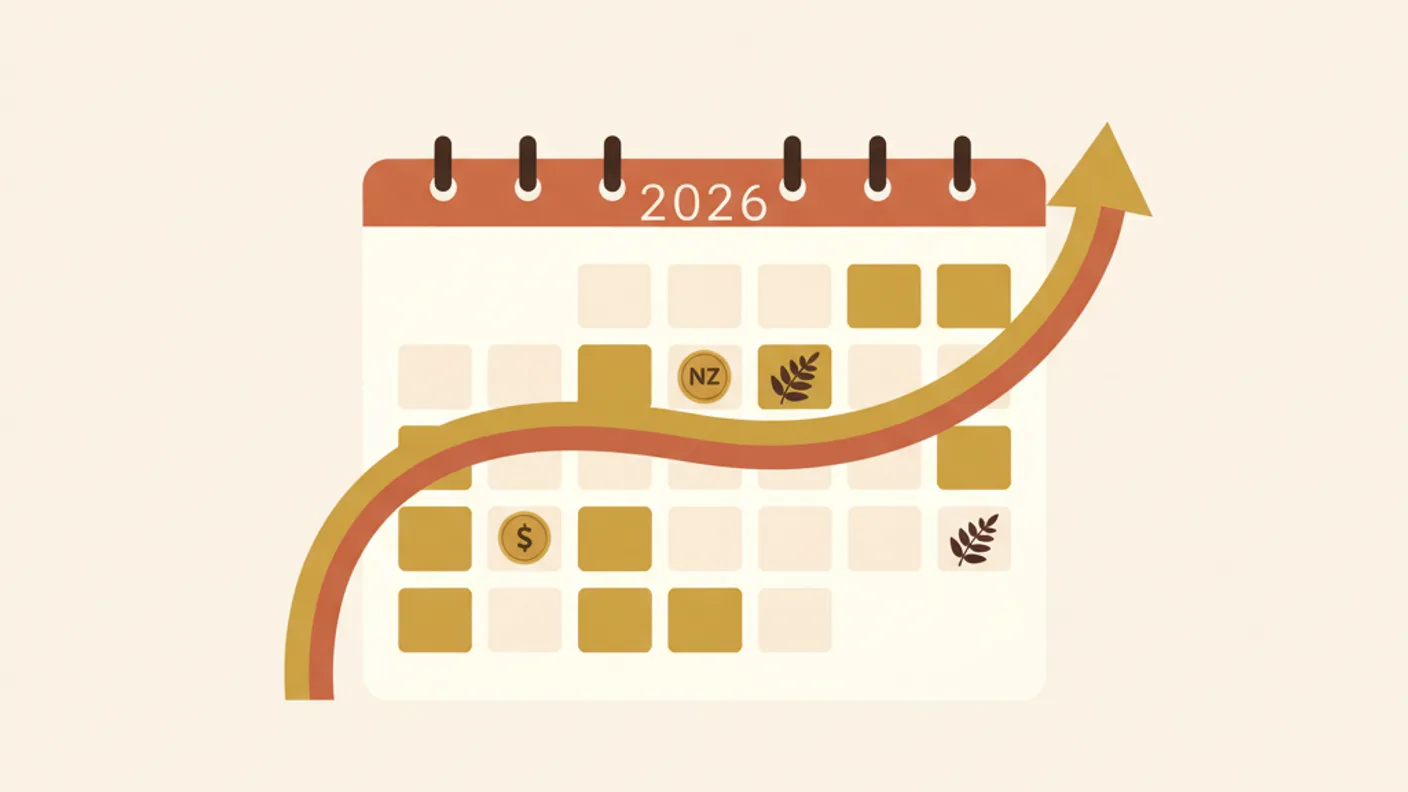
The tax year for individuals in New Zealand runs from 1 April to 31 March. So, the 2026 tax year covers income earned between 1 April 2025 and 31 March 2026.
Here’s a general timeline for when you can expect your tax assessment:
- Tax Year Ends: 31 March 2026
- Data Collection Period (April – May): Employers, banks, and other organisations have a period to send their annual income information to the IRD. This is why you won't get an instant assessment on April 1st.
- Auto-Assessments Begin (May – July): The IRD typically starts processing auto-assessments for most PAYE income earners from May onwards. Many people receive their automatic assessment by the end of July.
- Receiving Your Assessment: Once your auto-assessment is complete, you'll receive a notification – usually an email or text message prompting you to log into myIR to view your assessment and statement of account. If you're due a refund, it will generally be paid into your nominated bank account within a few working days of the assessment being issued.
What if you don't get an auto-assessment? If you only have PAYE income and no other complexities, and you haven't received an auto-assessment by August, it generally means your tax is squared away and you neither owe money nor are due a refund. However, if you had multiple jobs, significant donations, or suspect an overpayment, it's always worth proactively checking myIR.
For those with complex tax situations: If you're self-employed, have rental income, untaxed interest, or other complex income sources, you'll likely need to file an IR3 tax return yourself. The due date for
Frequently Asked Questions
When does IRD send tax refunds in NZ?
IRD auto-assesses most PAYE earners between late May and July each year for the prior tax year. Refunds usually land within 2-6 weeks of assessment. Sold a property or some shares in the year? What counts as a taxable gain in NZ is worth reading before you assume it does not. If you have a complex return (rental property, contract income), it may take longer.
Why didn't I get a tax refund this year?
Several reasons: (1) your PAYE was correct so you owed exactly what you paid, (2) your employer had the wrong tax code so you under-paid and now owe, (3) your bank account on file with IRD is incorrect, or (4) IRD is still processing. Log into myIR to see your assessment.
How do I claim a tax refund in NZ?
For most PAYE earners, you don't need to do anything, IRD auto-assesses and pays the refund automatically. If you have additional income (rental, contracting, etc.) you need to file an IR3. The deadline is usually July 7 of the following year.
Can I get a tax refund if I earned under $14,000?
Yes, and you may be eligible for a full refund of all PAYE deducted plus the Independent Earner Tax Credit if you had earnings between $24,000 and $44,000. IRD calculates this automatically as part of your assessment.
What should I do with my tax refund?
Treat it as a one-off windfall. Priority order: pay down high-interest debt, top up your emergency fund if it's under 3 months, then either boost a savings goal or contribute to KiwiSaver to maximise the government contribution. Don't lifestyle-inflate.

Written by Sam Wilson
Founder, Steady
Sam is a New Zealand founder building Steady, a personal finance app designed for Kiwis, integrated with every major NZ bank via Akahu. He writes about money, bank integrations, and what actually works for everyday New Zealanders.More about Sam
Steady connects your bank and tracks it all automatically, no spreadsheets. Join the waitlist for early access.
Suggested reads
More from the Steady blog
Emergency Fund in NZ: How Much Do You Need? (2026)
68% of Kiwis couldn't cover a $1,000 emergency. Here's exactly how much YOUR emergency fund should be, and the fastest way to build it. Updated April 2026.
Best Savings Accounts in NZ (2026 Comparison)
Your savings account is probably paying 0.05%. These NZ accounts pay 10-50x more, updated rates from every major bank for 2026.
How to Automate Your Finances in NZ (Set and Forget)
Set it up once, never think about it again. This NZ automation guide puts your savings, bills, and tracking on autopilot in under 30 minutes.
Ready to sort your money?
Steady connects to your NZ bank accounts and helps you track spending, set goals, and get AI-powered insights.
Try Steady free