How to Track Spending Automatically in NZ (2026 Guide)
Still entering transactions by hand? How to connect your NZ bank, what two years of history gets you, and how often the data actually refreshes.
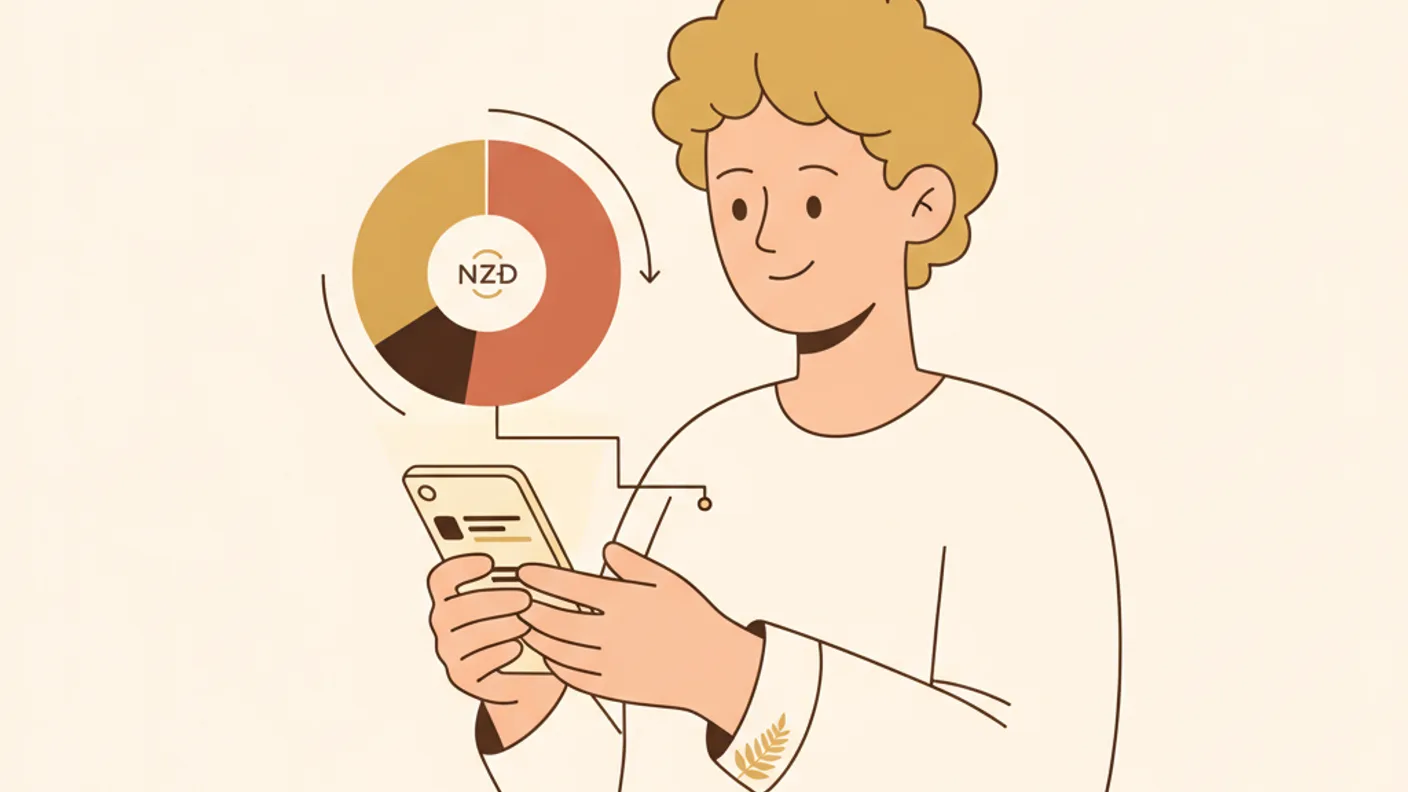
The short version
- Open banking via Akahu lets an app read your bank transactions directly, without ever holding your login.
- Worth being straight about, because a lot of NZ app marketing isn't.
- Open banking in NZ is regulated, and Akahu is an accredited requestor within that system.
Kia ora. The short answer: connect your bank through Akahu, New Zealand's open banking provider, and stop typing. Steady does this, as do a handful of other NZ apps, and the connection brings up to two years of history with it so there is something to look at on day one.
The long answer is why manual tracking fails, which is a boring reason: it depends on you remembering. Not once, but every day, forever, including the day you're sick and the day you're on holiday. Miss four days and the numbers stop meaning anything, and once they stop meaning anything there's no reason to open the spreadsheet again.
If you've been weighing up a finance app or a spreadsheet, this is where apps pull ahead. Not because they're smarter — because they don't need you. (We compared the NZ expense trackers on exactly this.)
How automatic tracking works in NZ
Open banking via Akahu lets an app read your bank transactions directly, without ever holding your login.
Step 1: Pick an app that actually supports NZ banks. Most of the big international names don't. YNAB, Monarch and Copilot can't connect to a New Zealand bank at all — you'd be typing everything in by hand, which is the problem you started with. Look for Akahu: it covers ANZ, ASB, BNZ, Kiwibank, Westpac, TSB, Co-operative, SBS and Heartland. Our best budgeting apps comparison has the full list.
Step 2: Connect your accounts. You're sent to your own bank's login page. You log in with your bank, not with the app; the app never sees your password. Access is read-only.
Step 3: Your history arrives. This is the part people don't expect. You don't start from today — the connection pulls up to two years of past transactions, so the app has something to say on day one instead of asking you to wait a month.
How often it actually updates
Worth being straight about, because a lot of NZ app marketing isn't.
Bank data through open banking refreshes up to twice a day. Not live, not instant, not the moment you tap. A coffee bought at 8am typically appears later that day. If an app tells you your balance updates in real time, it's describing something the New Zealand banking system doesn't currently do — the banks' own systems can't carry that load, and no app can route around it.
In practice this matters less than it sounds. You are not making decisions on ten-minute-old data; you're making them on whether there's enough to get to Friday. What you lose is the live ticker. What you keep is never typing a transaction again.
What you get once it's running
Categorisation that learns. NZ bank feeds are messy in a specific way. Your weekly shop at New World does not arrive as "New World". It arrives as NEW WORLD 1234 CHRISTCHU, or as FOODSTUFFS SI LTD, or occasionally as a bare merchant number with no name at all, because somewhere in the chain a field ran out of characters. A generic overseas categoriser looks at that and files it under Other, forever, along with your petrol and your rates.
A good NZ app knows Foodstuffs is a supermarket, knows Z is petrol, and knows the dairy on the corner is not a farm. When it does get one wrong, you correct it once and it never asks again.
The small stuff, added up. After a month you see where the money actually goes. Most people are fine on rent and power — they know those numbers. The surprise is almost always contactless: the taps, the Uber Eats, the $6 coffees that never felt like decisions.
Things you would never catch by hand. A streaming service that quietly went up $3. A subscription still charging for something you cancelled the app for. A power bill drifting up month on month. Those are invisible in a spreadsheet because you'd have to compare a line to the same line last year, and nobody does that.
Bills you'd forgotten have dates. Once the history is in, annual costs like rego and rates stop being ambushes, because the app has already seen last year's.
Your first week, realistically
Day one is not a transformation. Here's the honest shape of it:
- Connect, then leave it alone for a day. The first sync brings in history and it takes a moment to categorise.
- Fix the wrong categories once. There'll be a handful. Correcting them is the only manual work in the whole exercise, and it's a one-off — each correction should stick.
- Check your bills are right. Auto-detection is good, not perfect. Things billed at odd intervals get missed.
- Then stop looking for a week. The value shows up in the comparison, not the first screenshot.
Is it safe?
Open banking in NZ is regulated, and Akahu is an accredited requestor within that system. More on how Steady protects your data. The points that matter:
- Your bank credentials are never stored by any third-party app
- Access is strictly read-only — nobody can move your money, and no app connected this way is able to
- You can revoke access at any time, from your side
- Data is encrypted in transit and at rest
- The NZ Privacy Act 2020 applies to all of it
The read-only part is the one to internalise. It's not a promise an app is making about its own good behaviour; it's a limit of the connection itself.
The bottom line
If you've tried tracking by hand and stopped, the problem was the method. Connect once and the picture builds itself, including the two years before you started. See how it works, or read what the data lets you do next with a 12-month forecast.

Written by Sam Wilson
Founder, Steady
Sam is a New Zealand founder building Steady, a personal finance app designed for Kiwis, integrated with every major NZ bank via Akahu. He writes about money, bank integrations, and what actually works for everyday New Zealanders.More about Sam
Steady connects your bank and tracks it all automatically, no spreadsheets. Join the waitlist for early access.
Suggested reads
More from the Steady blog
7 Best Budgeting Apps for NZ in 2026 (Tested)
We tested every budgeting app available in NZ, here are the 7 that actually connect to your bank via Akahu, with honest pros, cons, and real pricing. Updated September 2026.
What is Akahu? Open Banking in NZ Explained
Your NZ bank can now talk to apps, securely. Here's how Akahu's open banking works, which banks support it, and why it matters for your money.

How AI Is Changing Personal Finance in New Zealand
"How much did I spend on Uber Eats this month?", AI can now answer that instantly. Here's how AI is changing personal finance in NZ.
Ready to sort your money?
Steady connects to your NZ bank accounts and helps you track spending, set goals, and get AI-powered insights.
Try Steady free