Can ChatGPT Manage My Money? AI Budgeting for Kiwis (2026)
AI chatbots are great money coaches and terrible bank accounts. Here's what ChatGPT can and can't do for your NZ finances in 2026, and what to use instead for the real numbers.
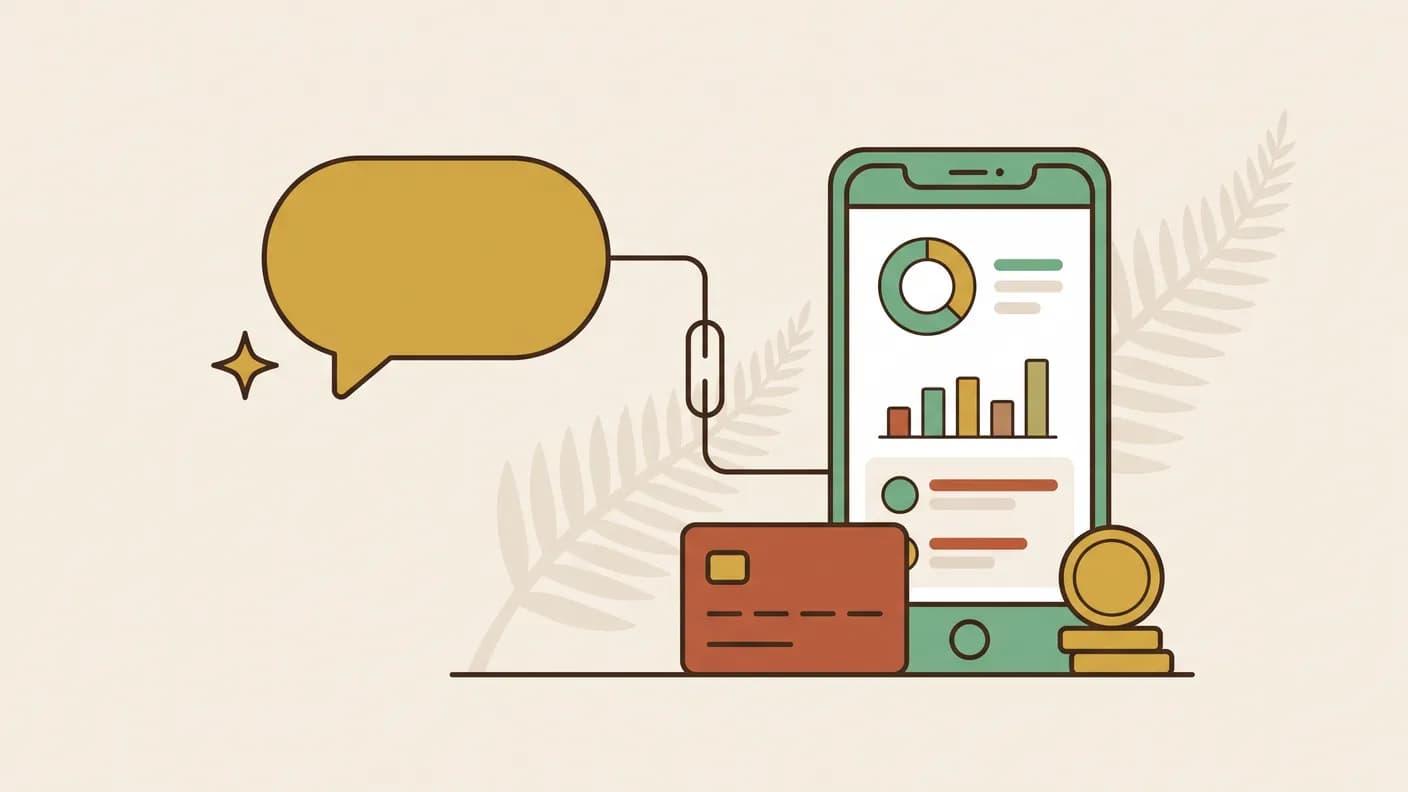
Quick answer: Not on its own. ChatGPT is good at explaining money ideas and drafting a plan, but it cannot see your bank accounts, so it does not know what you have actually spent and can make numbers up. Use a general AI to learn and plan, and a tool connected to your real accounts to track and decide.
Kia ora. A lot of Kiwis are now opening ChatGPT (or Claude, or Gemini) and asking "help me budget." It's a genuinely good instinct, and it also has a big blind spot. Here's what AI can and can't do for your money in 2026.
Quick answer
- ChatGPT is excellent as a money coach: explaining concepts, drafting a budget, comparing options, talking you through a decision.
- ChatGPT is useless as a money tracker: it can't see your bank, doesn't know what you actually spent, and will happily make up numbers if you let it.
So the honest answer is: use a general AI to learn and plan, and use a tool connected to your real accounts to track and decide. The magic is combining them.
What ChatGPT is genuinely good at
- Explaining jargon in plain English, "what's the difference between a growth and balanced KiwiSaver fund?"
- Building a starting budget from numbers you give it.
- Comparing options and pressure-testing a decision ("should I pay off my car loan or top up savings?").
- Drafting the awkward stuff, a message to a flatmate about shared bills, or a plan to talk to your bank.
For all of this, it's like a patient, judgement-free, finance-savvy friend who's up at 2am.
Where it falls over
1. It can't see your money. ChatGPT has no connection to your bank. Everything it "knows" about your spending is what you typed in, and most of us have no idea what we actually spent last fortnight. Garbage in, confident-sounding garbage out.
2. It makes numbers up. Ask it "how much did I spend on takeaways?" with no data and it will guess, plausibly and wrongly. It has no memory of your real transactions.
3. It's not NZ-aware by default. It reaches for US concepts (401k, checking accounts) unless you're specific about KiwiSaver, Akahu, fortnightly pay and NZD.
4. Privacy. Pasting your full bank statement into a public chatbot is not something we'd recommend.
The combo that actually works
The winning pattern in 2026 isn't "AI or an app", it's AI on top of your real data:
- A tool connects to your NZ bank accounts (via Akahu, the accredited requestor behind most NZ open banking connections) and categorises what you actually spent.
- An AI then answers questions grounded in those real numbers, "can I afford a weekend away?", "what's my power bill doing this winter?", with a true answer instead of a guess.
That's the difference between a chatbot that sounds smart and one that's actually looking at your money.
Where Steady fits
This is exactly what Steady is built to do: it connects to your NZ accounts, works out your safe-to-spend number, and lets you ask questions in plain English answered from your real transactions, not made up. Think of it as ChatGPT that can actually see your bank (securely, read-only), speaks Kiwi, and remembers what you spent.
If you'd rather stay manual, our comparison of finance apps vs spreadsheets and guide to tracking spending automatically cover the alternatives.
Can ChatGPT connect to my bank account?
No. A general chatbot has no connection to any New Zealand bank, and there is no setting that changes that.
Anything it says about your spending comes from what you typed into the conversation. If you have not typed your transactions in, it is estimating, and it will estimate in a confident tone.
Connecting to a bank in New Zealand goes through open banking, which requires an accredited requestor and your explicit consent at the bank itself.
Is it safe to paste my bank statement into a chatbot?
We would not. A statement carries your name, your account number, your address and every place you have been.
Even where a provider says conversations are not used for training, you have moved a complete financial profile into a system you do not control, for a summary you could get another way. The risk is not that the model misbehaves; it is everything that can happen to data once it exists somewhere else.
Ask the general questions in the chatbot. Keep the actual transactions in a tool that was built to hold them.
Is AI budgeting advice any good for New Zealand?
It is fine once you force it to be local, and misleading until you do.
Left alone, a general model reaches for American defaults: 401k, checking accounts, monthly pay, credit scores that work nothing like ours. Every one of those quietly makes the advice wrong here.
Say New Zealand, say KiwiSaver, say fortnightly, say NZD, and the answers improve immediately. It knows the material. It just does not know where you are.
What should I actually ask an AI about money?
The questions where reasoning matters more than data.
Explain something you have been nodding along to for years. Pressure-test a decision you have already half made. Draft the awkward message to a flatmate about the power bill. Compare two options and argue the other side.
Save the questions that start with "how much did I" for something that can see your accounts. Those are not thinking questions; they are lookup questions, and a chatbot without your data will invent a plausible answer.
Does an AI money app see my name and account number?
It shouldn't need to. A well-built app sends financial context, such as spending totals, categories and goal progress, without the details that identify you. Steady keeps your name, email and account numbers on its side. Ask any app what it sends; the privacy policy is where it has to be written down.
Can an AI give me financial advice?
Not in New Zealand. Personalised financial advice needs a Financial Advice Provider licence, which is a consumer protection rather than red tape. An app without one can show you your own numbers and explain how things work; for which fund to choose or whether to break a fixed rate, a licensed adviser is the answer.
The bottom line
Yes, use ChatGPT for your money, as a coach, a teacher and a sounding board. Just don't ask it to track what you spent; it can't see it. Pair general AI for the thinking with a tool wired into your real NZ accounts for the numbers, and you get the best of both.

Written by Sam Wilson
Founder, Steady
Sam is a New Zealand founder building Steady, a personal finance app designed for Kiwis, integrated with every major NZ bank via Akahu. He writes about money, bank integrations, and what actually works for everyday New Zealanders.More about Sam
Steady connects your bank and tracks it all automatically, no spreadsheets. Join the waitlist for early access.
Suggested reads
More from the Steady blog
7 Best Budgeting Apps for NZ in 2026 (Tested)
The budgeting apps that work in New Zealand, which ones connect to your bank through Akahu, and honest pros and cons of each. Updated September 2026.
How to Track Spending Automatically in NZ (2026 Guide)
Still entering transactions by hand? How to connect your NZ bank, what two years of history gets you, and how often the data actually refreshes.

What is 'Safe to Spend'? The Budgeting Number That Actually Works
One number replaces your entire budget. Safe to Spend is what you can spend before your next payday without missing a bill. How it works, and where it breaks.
Ready to sort your money?
Steady connects to your NZ bank accounts and helps you track spending, set goals, and get AI-powered insights.
Try Steady free