How to Switch Banks in NZ Without the Hassle
A step-by-step guide to switching bank accounts in New Zealand, what to move, what to watch out for, and how to track everything during the transition.
The short version
- The most common reasons Kiwis switch banks are better interest rates, lower fees, a better app experience, or frustration with customer service.
- Most NZ banks let you open an account online in 10-15 minutes.
- Salary timing, if your salary goes to the old account after you've moved your APs to the new one, your automatic payments will bounce.
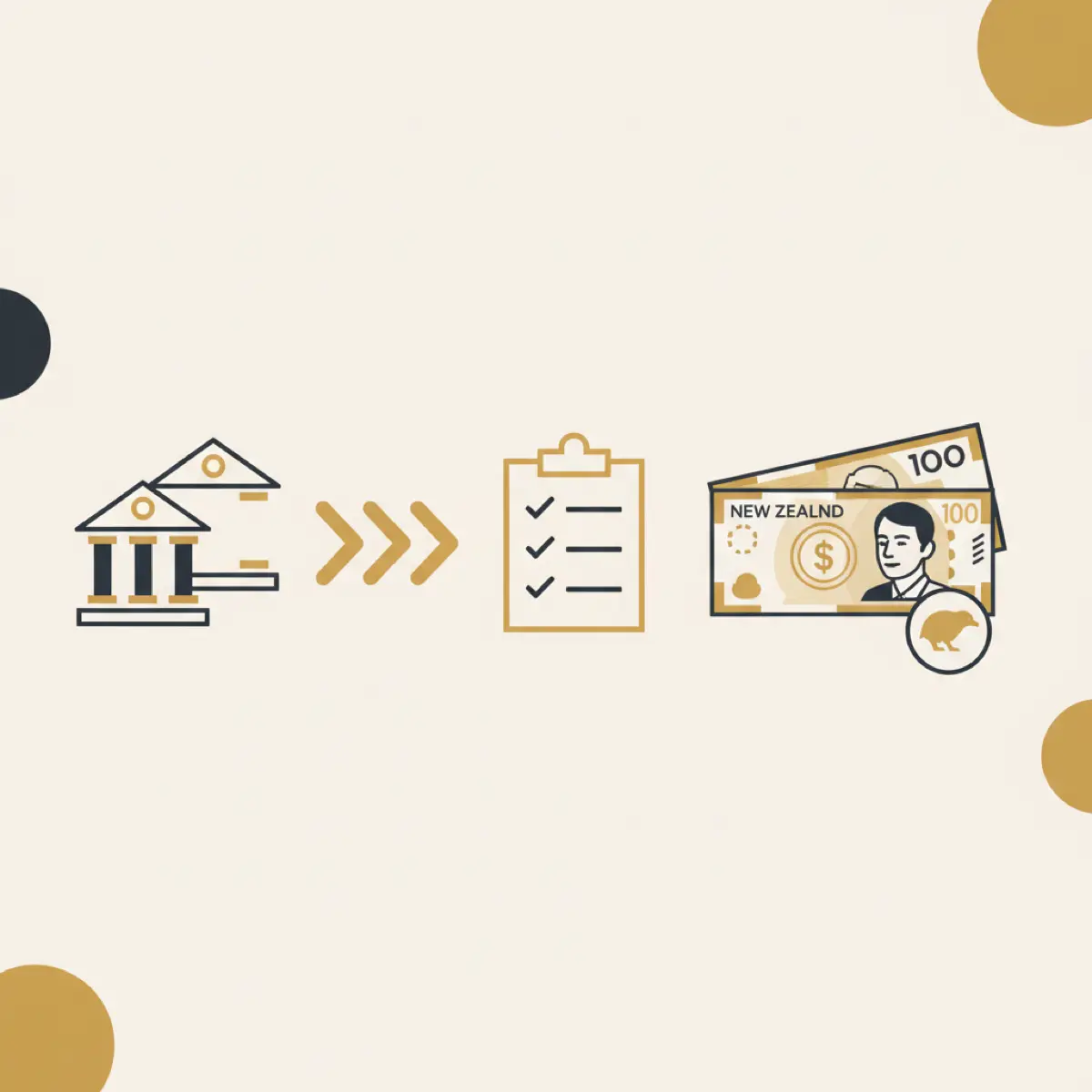
Switching banks in New Zealand used to be a nightmare, weeks of paperwork, missed bills, and forgotten automatic payments. In 2026, it's much easier. But there are still things you need to get right to avoid hiccups.
Here's exactly how to switch banks without losing track of your money.
Why people switch banks
The most common reasons Kiwis switch banks are better interest rates, lower fees, a better app experience, or frustration with customer service. With NZ bank accounts offering wildly different rates, switching can save you hundreds per year.
Some banks also offer sign-up bonuses, $200-$500 cash for bringing your salary over. Worth checking, but don't let a one-off bonus distract you from the long-term picture.
Before you switch: the prep work
1. List every automatic payment and direct debit
This is the most important step. Log into your current bank and write down every recurring payment, rent, power, internet, insurance, subscriptions, loan repayments. Miss one and you'll get a dishonour fee or a missed payment on your credit record.
An app like Steady that tracks your recurring payments automatically makes this much easier, you can see every single direct debit and AP in one place.
2. Check your overdraft and credit facilities
If you have an overdraft, credit card, or flexi mortgage with your current bank, you'll need to set these up with your new bank before closing the old ones. Don't close your overdraft before your new one is active.
3. Note your current interest rates
Write down what you're earning on savings and what you're paying on any loans. This is your benchmark, your new bank should beat it, or there's no point switching.
The switch: step by step
Step 1: Open the new account
Most NZ banks let you open an account online in 10-15 minutes. You'll need your driver licence or passport, proof of address, and your IRD number. Don't close your old account yet.
Step 2: Redirect your salary
Tell your employer your new bank account number. Most payroll systems update within one pay cycle. Keep your old account open until you've confirmed your salary lands in the new one.
Step 3: Move your automatic payments
This is the tedious bit. For each AP (automatic payment), log into your old bank and cancel it, then set up a new one from your new bank. For direct debits, contact each company with your new bank details.
Pro tip: spread this over a week. Do 2-3 per day rather than trying to do 15 in one sitting.
Step 4: Update stored payment details
Think about everywhere your old card is saved, Apple Pay, Google Pay, online shopping, streaming services, ride-sharing apps. Update each one with your new card details.
Step 5: Run both accounts in parallel
Keep your old account open for at least a month. This catches any payments you missed in the transfer. Watch for any debits still hitting the old account, those are the ones you forgot to move.
Step 6: Close the old account
Once you're confident everything is flowing through the new account, close the old one. Transfer any remaining balance first. Ask your old bank to confirm in writing that the account is closed.
What to watch out for
Salary timing, if your salary goes to the old account after you've moved your APs to the new one, your automatic payments will bounce. Time the switch around your pay cycle.
Loyalty rates, some banks offer loyalty pricing on home loans or credit cards. Switching might reset these. Check before you move.
Direct debit failures, companies like power and insurance providers can charge dishonour fees if a direct debit fails. Make sure you've updated these before the old account closes.
Credit score impact, switching banks itself doesn't hurt your credit score. But if direct debits fail during the transition, those missed payments can.
Using Steady during the switch
If you connect both your old and new bank accounts to Steady via open banking, you can see all transactions across both banks in one view. This makes it easy to spot:
- Payments still hitting the old account
- Successful redirects to the new account
- Any gaps in your automatic payment coverage
Once the switch is complete, just disconnect the old account. See all Steady's features or check how it works.
The bottom line
Switching banks in NZ is straightforward if you plan ahead. The key is listing every automatic payment before you start, running both accounts in parallel for a month, and systematically moving everything across.
The best NZ bank for you depends on what you value, rates, fees, app experience, or branch access. And once you've switched, automating your finances from day one ensures you start with good habits at your new bank.

Written by Sam Wilson
Founder, Steady
Sam is a New Zealand founder building Steady, a personal finance app designed for Kiwis, integrated with every major NZ bank via Akahu. He writes about money, bank integrations, and what actually works for everyday New Zealanders.More about Sam
Steady connects your bank and tracks it all automatically, no spreadsheets. Join the waitlist for early access.
Suggested reads
More from the Steady blog
NZ Bank Accounts Compared: Which One is Right for You? (2026)
ANZ vs ASB vs BNZ vs Westpac vs Kiwibank, which NZ bank account actually pays the best interest in 2026? We compared every rate.
7 Best Budgeting Apps for NZ in 2026 (Tested)
We tested every budgeting app available in NZ, here are the 7 that actually connect to your bank via Akahu, with honest pros, cons, and real pricing. Updated September 2026.

How to Automate Your Finances in NZ (Set and Forget)
Set it up once, never think about it again. This NZ automation guide puts your savings, bills, and tracking on autopilot in under 30 minutes.
Ready to sort your money?
Steady connects to your NZ bank accounts and helps you track spending, set goals, and get AI-powered insights.
Try Steady free